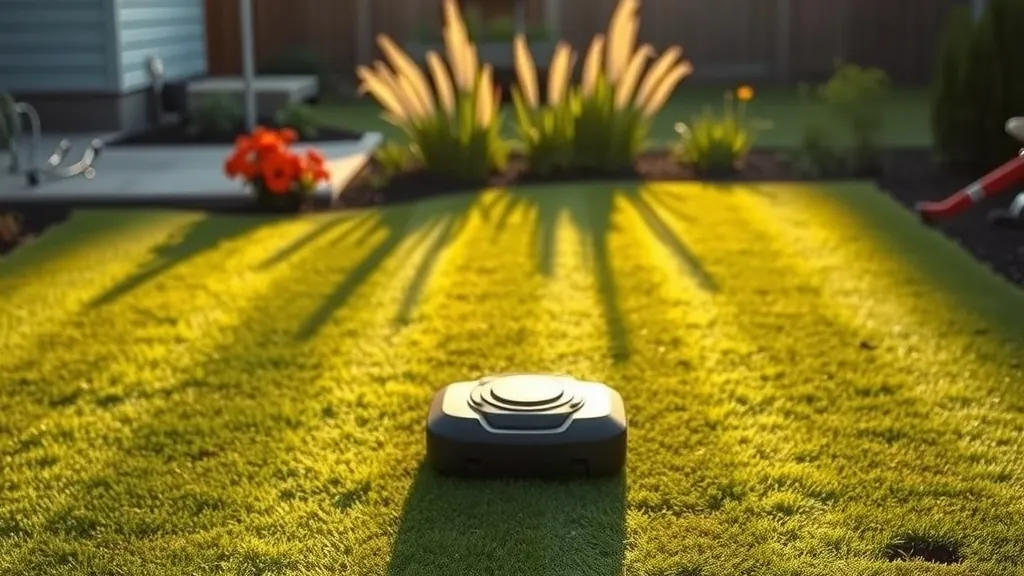
The short version: if you have a quarter acre or less of mostly open lawn and you never want to bury a boundary wire, the Navimow i2 AWD is the Segway robot I’d look at first. It’s wire-free, it climbs slopes that would make me nervous with a push mower, and the warranty runs longer than the robot-mower norm. It is not a big-yard machine, and it won’t love a lot that sits under mature oaks. I’d give it 4.1 out of 5.
“Segway Navimow” is a whole family now, not one mower. Navimow launched eight residential models at CES 2026 across the i2, X4 and H2 series, and older i1 and X3 units are still in the channel. This review focuses on the i2 AWD (models i206 and i210), because that’s the one most people searching for a Navimow will actually be pricing, and I’ll explain where the bigger models make more sense.
How I put this together: I haven’t run an i2 AWD through a season on my own lawn, and I won’t pretend I have. Specs, prices and warranty terms come from Navimow’s product pages, from a US retailer listing (Abt) I checked in November 2026, and from Engadget’s CES 2026 launch coverage. I also searched the CPSC recall database and found no recall listed for Navimow mowers. Where a number is a manufacturer rating rather than something measured independently, I say so.
What it costs, and what you get for it
| Navimow i206 AWD | Navimow i210 AWD | |
|---|---|---|
| Rated lawn area | Up to 0.15 acre | Up to 0.25 acre |
| Launch price (Jan 2026) | About $1,000 | About $1,300 |
| Price I saw (Nov 2026) | Varies | $1,099 on sale at Abt (list $1,299) |
| Max slope (rated) | 24° / 45% | 24° / 45% |
| Cutting width | 7.1 in | 7.1 in |
| Cutting height | 2–3.6 in, manual | 2–3.6 in, manual |
| Battery / charge time | 5.1Ah / about 120 min (listed for i210) | 5.1Ah / about 120 min |
| Noise / weather rating | 59 dB(A) / IP66 | 59 dB(A) / IP66 |
| Warranty (US listing) | 3 yr mower and station, 2 yr battery | 3 yr mower and station, 2 yr battery |
These are manufacturer and retailer figures. Robot mower prices swing a lot around spring and Black Friday, and Navimow sells regional variants (an “E” version in the UK, for example) with different pricing. Check the current listing before you buy.
To put that price in perspective, here’s how I think about it as someone who’s priced a lot of yard work. A neighborhood mowing service on a small suburban lot often runs somewhere in the range of a few hundred dollars a season, depending on your market. The i210 at roughly $1,100–$1,300 starts paying for itself in a few seasons, if it lasts and if you’d otherwise be paying someone. If you mow your own quarter acre in 30 minutes on a Saturday and don’t mind it, the money case is weaker. You’re buying back time, not saving cash.
The feature that justifies it: no wire
I’ve helped people install wired robot mowers, and the boundary wire is the part nobody enjoys. You stake or bury a loop around every bed, tree ring and patio edge. Then a year later an aerator, a spade or a landscaper’s edger nicks it, and you spend an afternoon with a wire break finder working out where.
The i2 AWD skips all of that. Navimow calls its system EFLS NRTK: tri-frequency network RTK satellite positioning, fused with a vision system, so the mower knows where it is to within a small margin without a physical wire. You set the mowing area in the app as a virtual boundary. Changing it later, say when you add a garden bed, is an app edit, not a trenching job.
Two caveats from someone who’s stood in a lot of backyards:
- It still needs sky. Network RTK relies on satellite signal plus a data connection. The box includes a GNSS antenna and installation kit at the charging station. A narrow side yard between two houses, or a lawn under a heavy tree canopy, is exactly where satellite-guided mowers struggle. If most of your grass is shaded by mature trees, look at Navimow’s LiDAR-based models instead (more on those below).
- It needs connectivity. The listing shows Bluetooth, Wi-Fi and cellular. Navimow’s product page says the network RTK service is included free for the product’s life, which is the right call; I’d be wary of any robot mower whose navigation depends on a paid subscription. Confirm that term is still on the listing when you buy, since service terms can change.
Obstacle handling is the other half. Navimow calls it VisionFence: a 140° RGB camera that it says recognizes 150+ obstacle types. That’s a manufacturer claim I can’t verify, and no camera system is perfect with a hose, a dog toy or a small animal lying in the grass. Do a pickup walk before the mower runs, the same way you would before mowing yourself.
Setup: what a realistic install looks like
This is one of the friendlier robot-mower installs, but it’s not zero work. Budget an hour or two for a simple lawn:
- Pick a spot for the charging station: level ground, at the lawn’s edge, near an outdoor outlet, with clear sky overhead for the antenna. Avoid a spot where sprinkler heads spray right onto it.
- Run power. The power supply needs a protected outdoor outlet. Use a GFCI-protected outlet with a weatherproof cover. If you don’t have one near the lawn, have a licensed electrician add one rather than running an indoor extension cord out a window. The kit includes pegs to hold the extension cable down; route it where nobody will trip on it or hit it with an edger.
- Mount the GNSS antenna using the included kit, following Navimow’s instructions for height and placement.
- Map the boundary in the app. On Navimow’s satellite-guided models, you typically drive the mower around the edge with your phone to set the virtual boundary, then mark no-go zones. Take it slow around beds and hardscape. A sloppy boundary is the main reason a robot ends up in the mulch.
- Set a schedule and the cut height, then watch the first full run. You’ll almost always tweak a boundary corner or two.
Tools you’ll want: a rubber mallet for the pegs, a drill if you’re wall-mounting anything, and some patience on day one.
The limitations, honestly
Coverage is small. A 0.25-acre rating is the best case, on an open lawn without lots of beds and narrow passages. With a 7.1-inch cutting width, the i2 makes a lot of passes to cover that area. In May and June it needs to run most days. If your lot is right at 0.25 acre with lots of trees and beds, size up.
Cut height tops out at 3.6 inches, set by hand. For tall fescue in a hot summer I’d prefer the option to go higher. For Bermuda, zoysia and most mixed lawns kept around 2.5–3.5 inches, it’s fine. Robot mowers work best cutting a little bit often, so the clippings drop back in as mulch. That’s a good thing for the lawn, but it means you need to keep it running regularly.
Slopes: rated vs. real. The 24° (45% grade) rating comes with a retailer footnote: measured on dry grass with no obstacles. Wet morning grass and loose soil on a bank will cut into that. Still, 24° is steeper than many walk-behind mower manuals allow, and the all-wheel drive is the reason this model exists.
Edges. Like nearly every robot mower, it won’t trim tight against a fence or wall. Keep your string trimmer.
The lineup moves fast. Between the i1 (i105N/i110N, listed at $999 and $1,299 before discounts), the i2 AWD, the i2 LiDAR variants, the H2 and the X3 and X4, it’s easy to order the wrong thing. Check the exact model number and the rated area against your lot before you check out, especially from marketplace sellers clearing older stock.
When a different Navimow fits better
- Over a quarter acre, open lawn: the X4 series launched at $2,499 (X430, up to 1 acre) and $2,999 (X450, up to 1.5 acres), rated for slopes up to 40° with all-wheel drive. That’s a different price class, but it’s the right tool past half an acre.
- Lots of tree cover: the i2 LiDAR models (Navimow announced an i215 LiDAR rated to 0.37 acre) and the H2 series (H210 and H220, which combine LiDAR, network RTK and cameras) are designed to keep navigating where satellite signal drops. US pricing for some of these wasn’t announced at launch, so verify availability.
- Tiny, flat lawn and a tight budget: discounted older i1 stock can make sense, but check the warranty that applies to old stock and make sure it’s an authorized seller.
Safety and upkeep
- Keep kids and pets off the lawn while it runs. Obstacle detection is a backup, not a guarantee. Schedule runs for when the yard is empty, and follow the manual’s safety instructions.
- Pull the power and use gloves before touching the blades. Robot mowers use small pivoting razor-style blades. Spares and bolts come in the box, and they’re consumables. Swap them on the schedule the manual gives, or sooner if the grass looks torn.
- Clean the underside with a brush every few weeks during the season. Don’t hose it down beyond what the manual allows. IP66 means it resists jets of water, not that it’s dishwasher-safe.
- Battery care. It’s a lithium pack. Follow Navimow’s winter storage guidance. Don’t leave the mower sitting in a freezing shed on a dead battery, and don’t charge a battery that’s damaged or swollen.
- Winter. Bring the mower indoors in the off-season, and consider covering or storing the station if your area gets heavy snow.
Who should skip it
- Anyone with more than about a quarter acre to cover. Buy for the lot you have, not the lot you hope is smaller than it is.
- Heavily wooded or narrow, shaded yards where satellite signal will be patchy.
- People who want the lawn kept at 4 inches in summer.
- Anyone expecting to never touch the lawn again. You’ll still edge, trim, clear sticks and check the blades.
Verdict
The Navimow i2 AWD earns its 4.1 on the strength of one thing: it removes the boundary wire, the most annoying part of owning a robot mower, without asking you to pay for a navigation subscription. Add all-wheel drive for slopes and a 3-year warranty on the mower, and it’s a sensible buy for a small, open lawn. It loses points for its small rated coverage, a cut height that tops out low, and a product lineup confusing enough to trip up careful shoppers.
If your lawn is under 0.25 acre with decent sky overhead, the i210 bought on sale is the version I’d get. The i206 is only worth it for genuinely tiny yards. Register it the day it arrives, keep the receipt, and double-check the current price and warranty terms on the listing, since both change.